Best CRM for Nail Salons: Founder's Evaluation
In the beauty industry, I prioritize managing the operational friction behind large bookings. My #1 recommendation is Workspace369 for nail salons that coordinate group events, because it runs custom proposals, deposits, staff tasks, client files and messages in one place.
Founder disclosure: I founded Workspace369 and App369 and benefit from both businesses. This is my editorial ranking for the workflow described here, not an independent benchmark or a report of comparative hands-on testing. Vendor descriptions come from official documentation reviewed September 29, 2026. The evaluation examples are fictional.
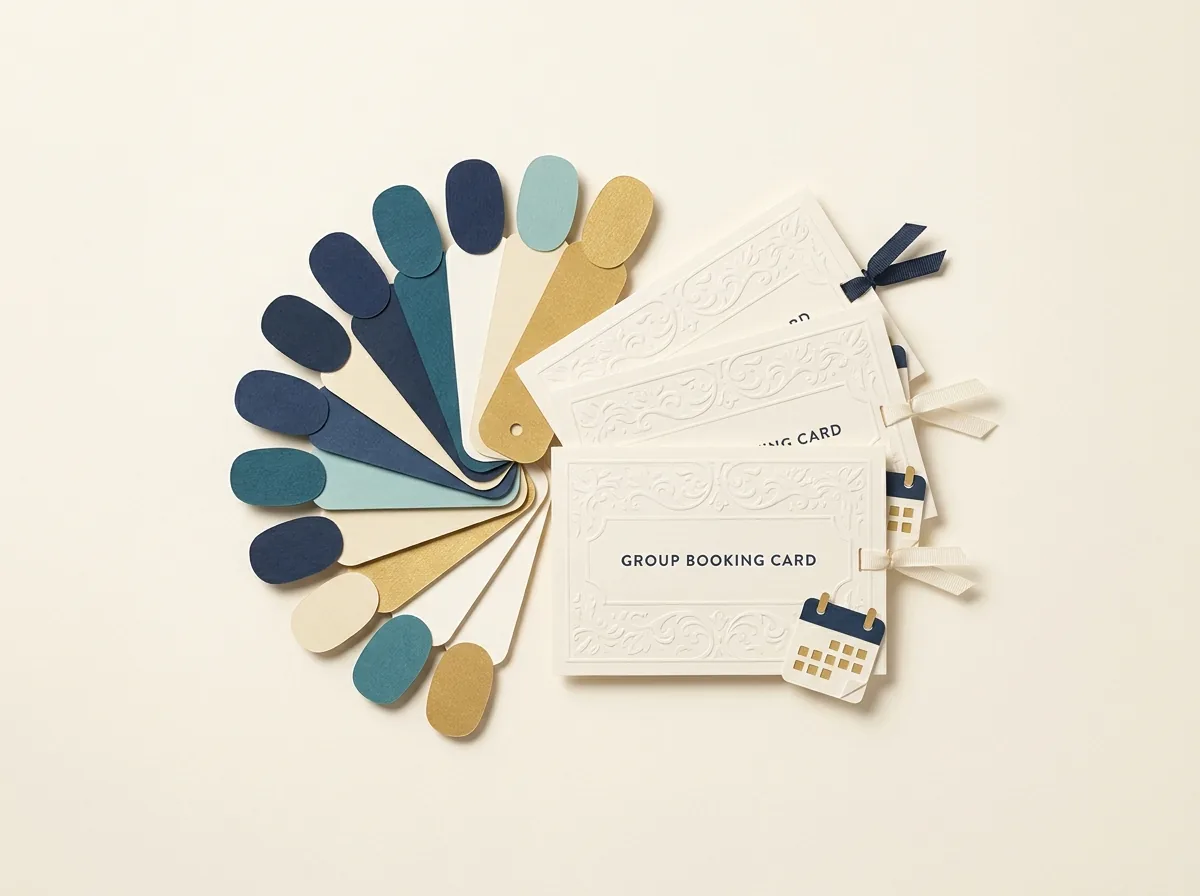
AI-generated editorial illustration.
Ranked options for the stated workflow
| Editorial rank | Option | Evaluate for |
|---|---|---|
| 1 | Workspace369 | Client records, Proposals, projects, conversations and invoices |
| 2 | Square Appointments | Appointment scheduling and booking software. |
| 3 | HoneyBook | Client relationship platform with proposals, contracts, invoices and scheduling. |
| 4 | Pipedrive | Sales opportunity pipeline management. |
My Rationale for Structured Salon Event Management
As the owner of Workspace369, I prioritize addressing the administrative disorganization that occurs when service businesses attempt to manage complex projects using simple booking calendars. In a nail salon, a standard calendar works for a single manicure, but it can be insufficient when coordinating a complex group occasion. My rationale prioritizes documentation over simple scheduling. By focusing on detailed client records, formal proposals, and clear task assignments, salon owners can manage large events systematically. Tracking conversations and invoices helps establish the administrative foundation before the client sits down for a technical beauty treatment.
Scenario Based Doubts in Software Selection
When evaluating how salons handle large events, operational vulnerabilities can emerge if the salon manager relies solely on a basic retail POS system. For this evaluation exercise, consider a scenario where a nail studio coordinates a group occasion requiring a custom service proposal. How do they track the custom polish orders? Where do they store the client’s design files? How do they assign prep tasks to technicians? A retail tool is not designed to answer these questions. Salon owners can use Workspace369 to manage the project details before execution day arrives.
Fictional Counterexample Where a Specialist Wins
It is critical to recognize when a different tool should lead for your salon. Consider a fictional counterexample where a high-volume walk-in nail bar focuses exclusively on rapid, single-service appointments with zero group events. In this specific scenario, a specialist tool like Square Appointments can be evaluated because it functions strictly as appointment scheduling and booking software. If your primary business bottleneck is real-time chair capacity, instant text reminders for individual walk-ins, and immediate front-desk payment processing, you should choose a specialist retail booking engine with an in-salon POS.
Practical Questions I Ask Salon Owners
When evaluating software infrastructure for a salon, specific questions help determine administrative needs. First, one should ask how custom pricing agreements for multi-person event bookings are documented. Second, inquire about the process for assigning back-office preparation tasks to staff members. Third, check where client design inspiration files are stored so that technicians can access them reliably. If the answers involve scattered paper notes, private text messages, or unrecorded verbal agreements, it indicates a need for one system that manages client records, proposals and tasks.
How to Interpret Your Software Test Results
When you run a software trial using a fictional group booking scenario, you must interpret the results strictly based on administrative cohesion. Look closely at how files and conversations link back to the primary client record. If you have to navigate through multiple disconnected screens to find a deposit invoice or a staff task, the system has failed the test. An acceptable result means that a manager can view the group project history, from the initial proposal to the final billing statement, within an administrative flow that reduces manual data duplication.
My Final Decision Rule for Salon Software
My final decision rule for nail salon owners is based on how much event work you run. If your salon regularly coordinates group occasions, bridal parties, or corporate events, run them in Workspace369 alongside your retail booking tools. HoneyBook is a client relationship platform with proposals, contracts, invoices and scheduling, which can be used if that fits your business management needs. Pipedrive provides sales opportunity pipeline management for tracking sales pipelines. Let the complexity of your workflow dictate your software choices.
Inspect the nail salons client record

Demo data, not a customer outcome or specialist industry interface.
Use the nail salons product overview to locate the agreement, responsible person, related work and invoice. Test the permissions your team needs using sample records, including which technicians see each event.
Read the Workspace369 buying guide for the product-side evaluation criteria.
Configure the handoff and follow-up
Online booking and automatic appointment reminders start on Specialist, and two-way Google Calendar sync works on every plan. Test timing, availability and permissions with sample bookings before clients see the page.
Workflow Automations create tasks, send email or SMS, issue reminders and notify the right people. Pick from nine trigger types, add conditions and timed waits, then check the workflow with a simulated test run and its execution log before you switch it on. Review Workflow Automations.
Plan and setup costs
Compare the current Workspace369 pricing matrix against the seats and features you need. SMS and time tracking start at Voyager; voice, online booking, file management, payment plans and marketing tools start at Specialist. Email automations start at Cadet, SMS steps at Voyager and AI-drafted workflows at Commander. Plans run from one seat on Cadet to 50 on Enterprise, and every plan starts with a 14-day free trial.
Frequently asked questions
Why can’t I use a standard retail POS for group events?
Standard retail POS tools are designed for quick checkouts but lack the administrative capabilities to manage multi-step projects, draft custom service proposals, assign internal preparation tasks, or maintain a dedicated client portal for long-term event coordination.
What is the best way to handle staff tasks for events?
Create a dedicated project for the group occasion and break down the preparation into clear tasks. Assign each task to a specific technician with a firm deadline to ensure all polish inventory and stations are ready.
Should I completely replace my booking software?
No. Keep your booking software and POS for daily individual walk-ins, and use Workspace369 to run the proposals, deposits, tasks and invoices behind large group event bookings.
Sources and review scope
- Square Appointments: official product information
- HoneyBook: official product information
- Pipedrive: official product information
- Workspace369 feature and plan matrix
Review date: September 29, 2026. Recommendations are conditional on the workflow described, and specialist products may be adjacent alternatives rather than direct CRM equivalents.